How to update your SARS eFiling Security Details
By Alicia Human · Updated
We have tried to connect to your eFiling profile, but instead we’ve received this error:
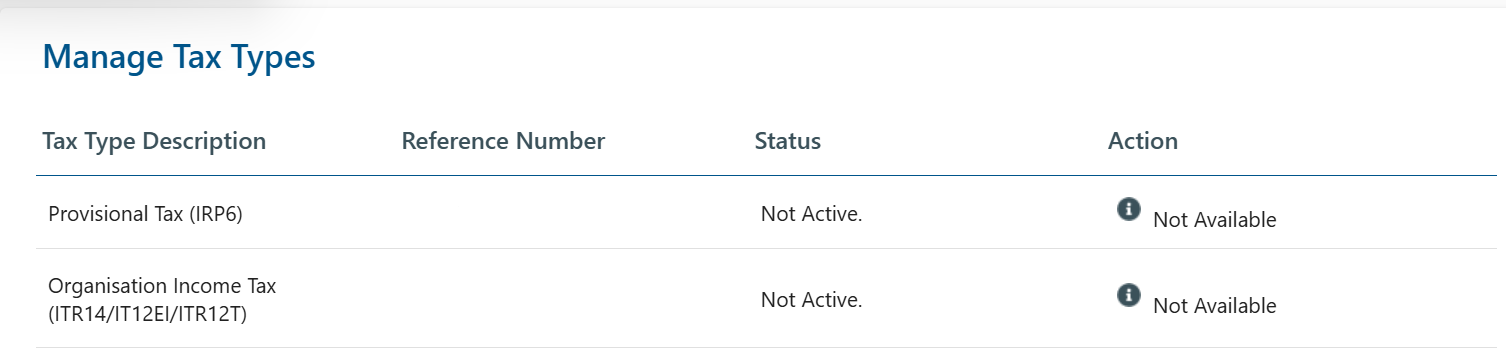
This error could be caused by SARS having old, incorrect or incomplete contact details on file for you. To fix this, could you kindly follow these steps to update your eFiling Security Contact details:
- Log into your personal eFiling profile and click on "Home" (in the top ribbon)

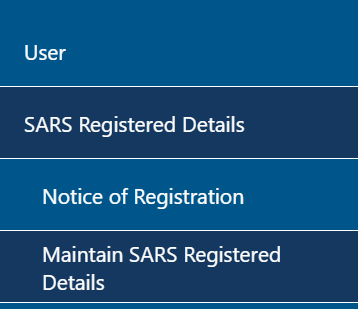
- Click on "User" (on your left-hand side) and click on "SARS Registered Details" then click on "Maintain SARS Registered Details"
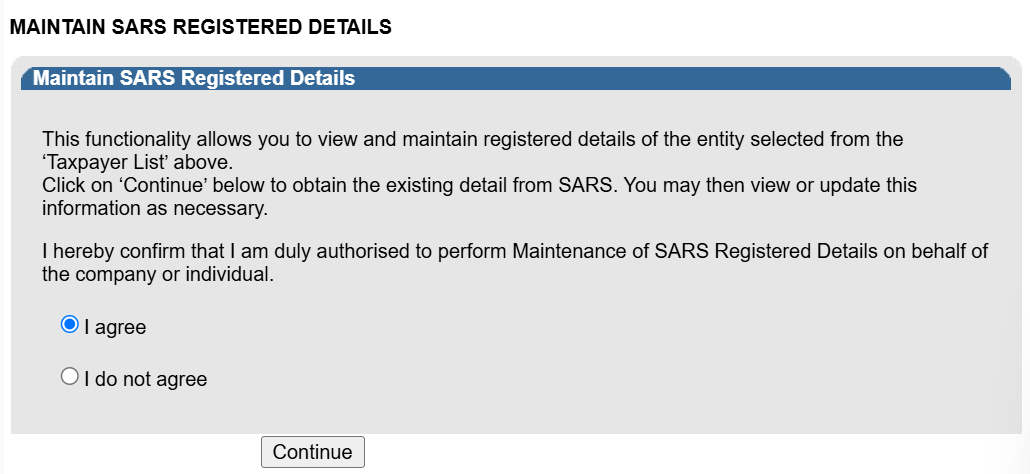
- In the middle of the page, click on "I agree" and then click "Continue"
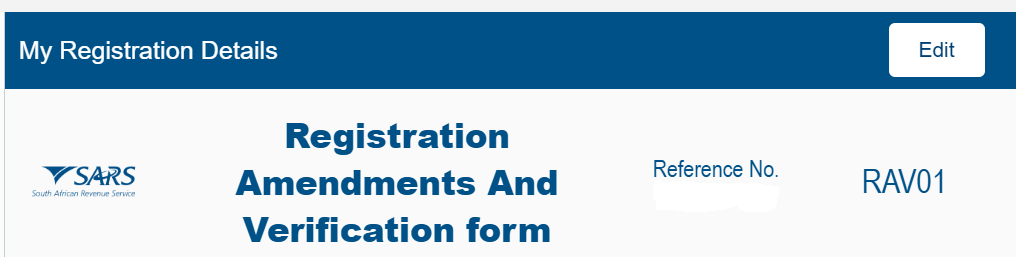
- Once the RAV01 opens, click on "Edit"
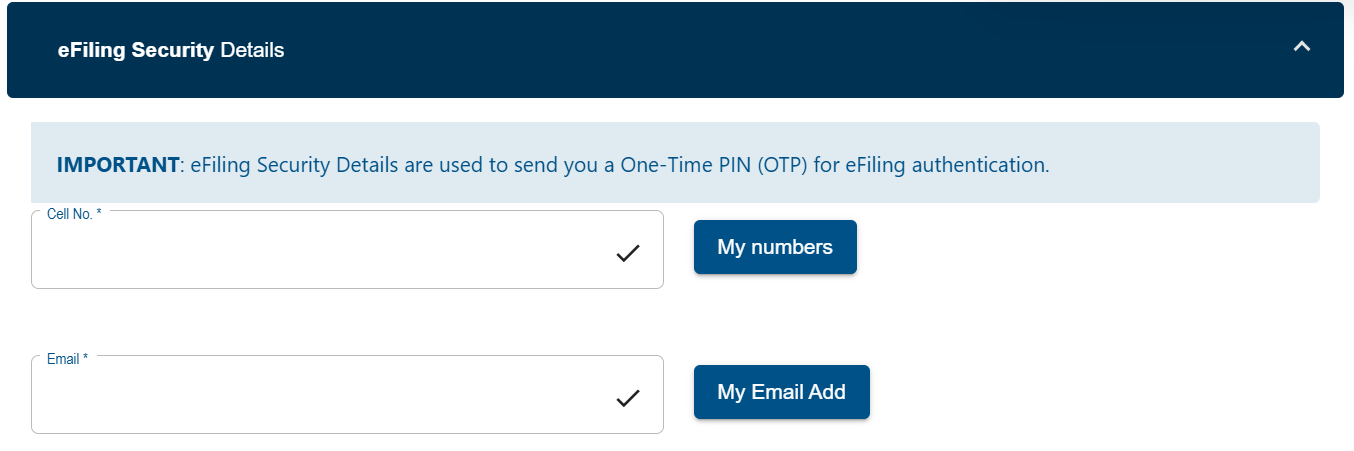
Scroll down to your "eFiling Security Details" and enter your correct Cellphone number and email address
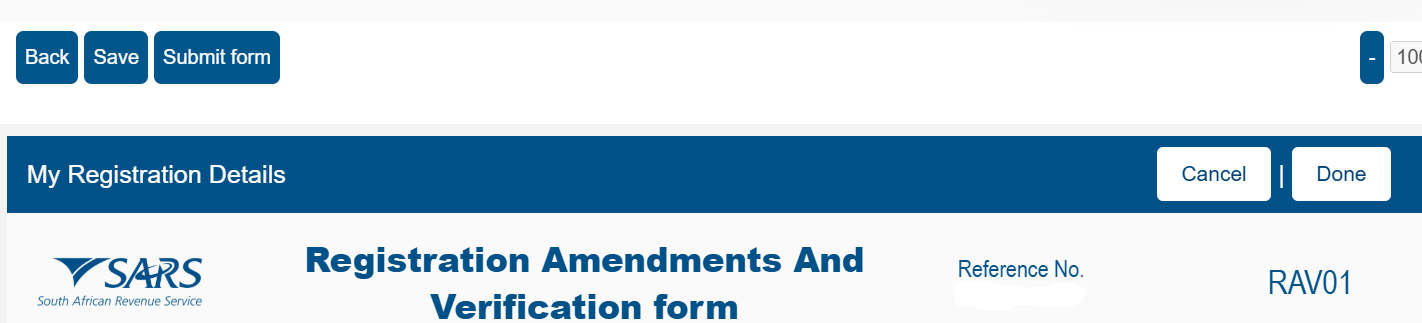
Scroll up and click on "Done" then "Submit form"
SARS should send you an OTP via either email or an SMS, please enter it and then click on "Submit."
Once done, please reach out to our help desk so that we can reset your eFiling connection process.